How to Access Email from SiteWorx Webmail
You can access your Email account from Webmail.
**
1**. Log in to your SiteWorx account.
2. In the Email section, click on Webmail.

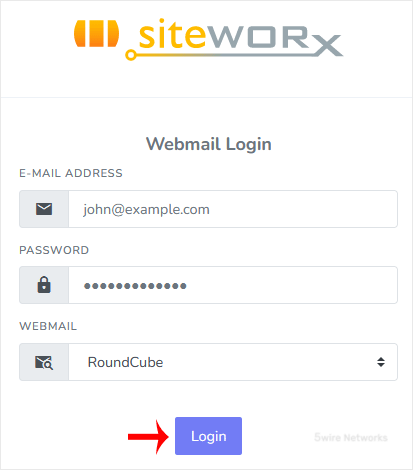
3. Enter your full email address and password. Choose your Webmail reader and click on Login.
You can manage your email account from the webmail reader.
Updated on: 30/08/2024
Thank you!