How to Change View Mode in Plesk
You can change View Mode in Plesk in the following way.
1. Log in to your Plesk account.
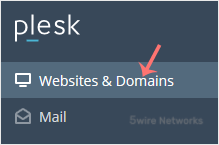
2. Click Websites & Domains from the Sidebar Menu.**
**
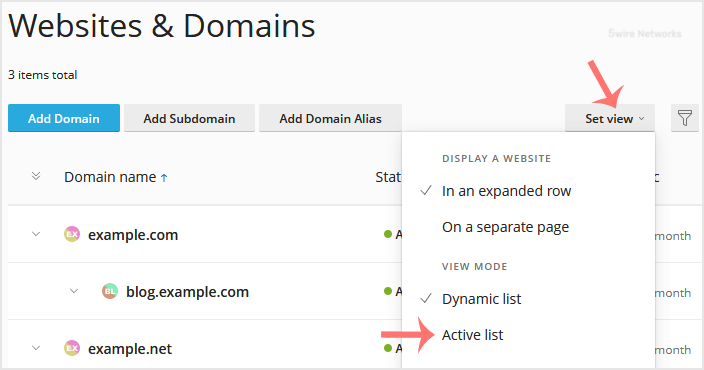
3. If the view mode is Dynamic List , click on Set view on the right side and switch to your preferred mode.
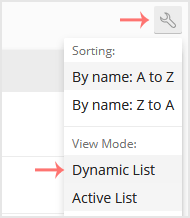
However, if the view mode is Active , click on the wrench icon to change it.
Updated on: 30/08/2024
Thank you!