How to Check Whether the VPS Status is "online" or "offline" in Virtualizor
Do you want to check your Virtualizor VPS status and determine whether the VPS is offline or online? You can examine the client area or the Virtualizor Control Panel.
1. Log in to your Virtualizor Control Panel.
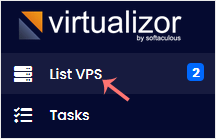
2. From the left side panel, click on List VPS.
3. Under therefresh icon, you can see a green or red circle in front of each VPS. If it displays a green circle , it means that your VPS is online.
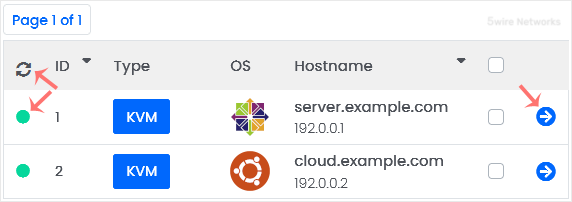
You can click the Refresh icon to refresh your VPS status.
Updated on: 30/08/2024
Thank you!