How to Create a Directory or Files in Plesk File Manager
**
How to Create a Directory in Plesk File Manager
**
1. Log in to your Plesk account.
2. Click on Files from the Sidebar Menu.

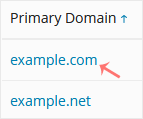
3. Click on the appropriate domain in case of multiple domains.
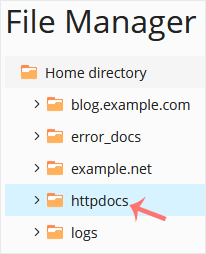
4. Under File Manager , click on the httpdocs directory or any other directory where you want to create the directory.
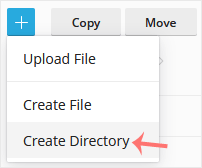
5. Click on the +plus icon and choose Create Directory.
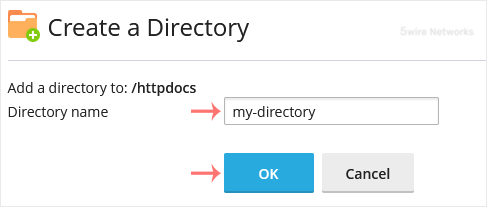
6. Enter a directory name, such as my-directory in the input box. Then confirm with OK.
**
How to Create a New File in Plesk File Manager
**
1. Click on the +plus icon and choose Create File.
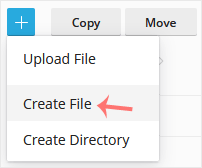
2. Enter the file name, such as home.html , in the input box. Then confirm with OK.
Updated on: 30/08/2024
Thank you!