How to Create a Feature List in WHM
You can create a feature list from your WHM Account. Feature lists allow you to provide a customized plan with specific features only.
1. Log in to your WHM Account.
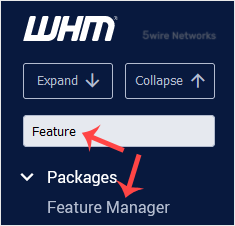
2. Go to Packages >> Feature Manager or type Feature Manager in the menu filter box. The option will appear. Click on it.
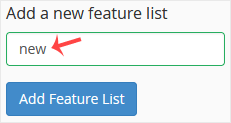
3. In Add a new feature list field, enter the name of your feature list and click on Add Feature List.
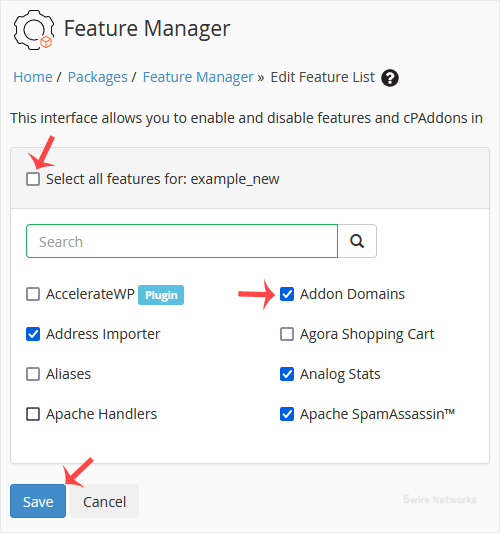
4. Select the options you wish added to your feature list or check-mark the Select all features option to enable all features. Then click on Save.
Congratulations, you have successfully created your feature list.
Updated on: 30/08/2024
Thank you!