How to Create an Email Account in SiteWorx
To create a new email account, perform the following steps:
1. Log in to your SiteWorx account.
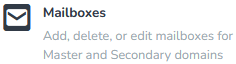
2. In the Email section, click on Mailboxes.
3. Click on the Plus icon.

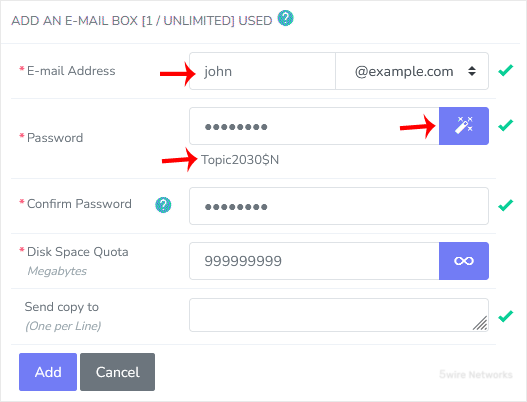
4. Enter the following details:
- E-mail Address : Enter a new email username, such as your first name. If you have multiple domains, choose the domain from the drop-down list.
- Password : Enter a password, or click on Magic Wand to generate one.
- Disk Space Quota : Enter the mailbox quota in megabytes or click on the Unlimited icon.
- Send Copy To: You can leave this as it is. A copy of the messages will be sent to the listed email addresses.
5. Click on Add.
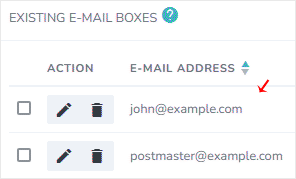
Once your email account is created, it will appear under the Existing E-mail Boxes.
Updated on: 30/08/2024
Thank you!