How to Remove Email Spam Filters in DirectAdmin
You can remove email filters from your DirectAdmin account.
1. Log in to your DirectAdmin Account.
2. In the E-mail Manager section, click on SPAM Filters or type SPAM Filters in the navigation filter box, and the option will appear. Click on it.

3. Under Block By , choose the filters you want to remove.
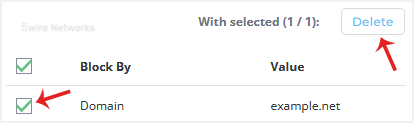
4. Click on Delete. It will prompt for confirmation. Click on Delete again.
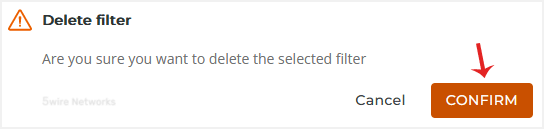
Your selected email filters will be successfully removed.
Updated on: 30/08/2024
Thank you!