How to Restore Partial Backups in cPanel
You can easily restore a cPanel partial backup. Please, note that restoring such a backup will overwrite your existing data.
1. Log in to your cPanel account.
2. In the Files section, click on Backup Wizard.

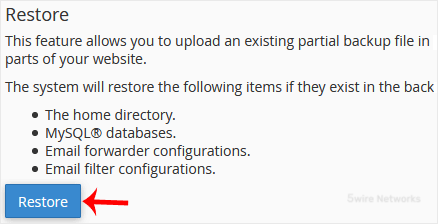
3. Under Backup/Restore , click on Restore.
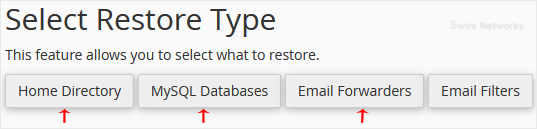
4. Under Select Restore Type , choose the appropriate option.
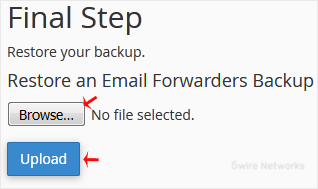
5. Click on Browse. Select the backup file from your computer and click on Upload.
Updated on: 30/08/2024
Thank you!